



Calibrite ColorChecker Gray Balance Mini
- 18% Gray Card
- Helps Ensure Accurate Color Balance
- Dimensions: 63.5 x 109.0mm / 4.3 x 2.5"
- For Use with All Major Editing Software
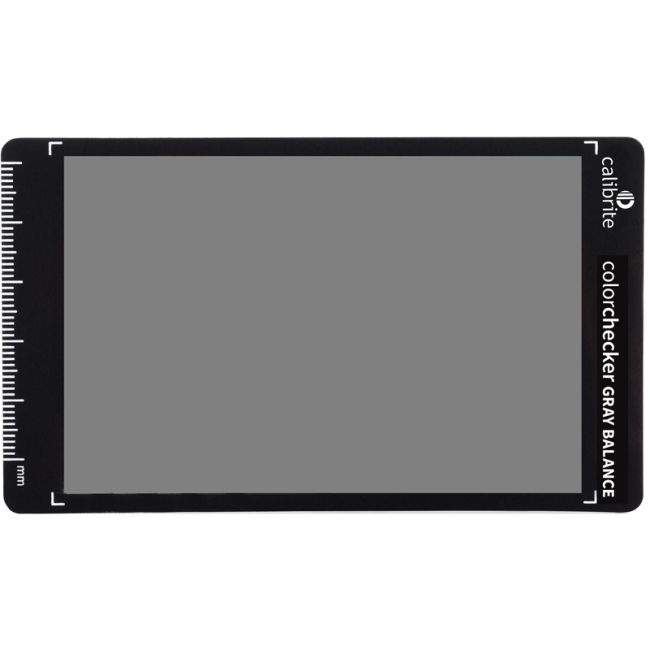
The Calibrite ColorChecker Gray Balance Mini is a tool designed for photographers and videographers to achieve accurate and consistent color balancing in their images. It's an 18% gray card that acts as a reference to help with color correction during the post-processing phase of image editing. The card reflects 18% of the light that hits it, which is a standard reference value for achieving neutral tone and balanced exposure in photography. Using the gray card, you can ensure that your camera's white balance is set correctly, which is crucial for accurate color reproduction in your photos. With dimensions of 63.5 x 109.0mm, the ColorChecker Gray Balance Mini is small and portable, making it an excellent option for fieldwork without taking up much space in your gear bag. It's designed for use with all major editing software, including programs like Adobe Photoshop, Lightroom, and other photo-editing tools that allow custom white balance settings based on an image reference.
Product Features in Detail
Calibrite ColorChecker Gray Balance Mini
The perceived color of white changes based on ambient conditions—outdoors it's perceived as cooler, indoors it's perceived as warmer, and under fluorescent lighting it's perceived as greener. The ColorChecker Gray Balance Mini chart gives you a way to adjust your digital camera's color sensitivity to exactly match ambient lighting conditions, effectively changing what the camera "sees." Even in a controlled studio environment, setting a precise custom white balance ensures an accurate image from the start of a shoot.
Photograph the Gray Card
Place the gray card in the scene or beside the subject during your photo shoot, ensuring that it's lit under the same lighting conditions that will illuminate your subject.
Set Custom White Balance
You can use the captured image of the gray card to set a custom white balance in your camera (if it has this feature), helping achieve accurate colors at the time of shooting.
Post-Processing Reference
In post-processing, open the image with the gray card in your editing software and use the dropper tool to select the gray area. This sets a custom white balance that adjusts the color temperature of that image, which can then be applied to all other images taken under the same lighting conditions.
Consistent Color Workflow
For studios and professionals managing consistent color workflows, the gray card becomes an essential tool to minimize the color variance between shots, especially important in product photography, portraiture, and any situation where color accuracy is paramount.
| Number of cards | 1 |
| Number of color patches | 1 |
| Letter size | 63.5 x 109.0mm |
| Humidity range | 85% or less, non-condensing |
This product comes with 12 Months Australian Manufacturer Warranty. Our products are sourced from authorised Australian suppliers and therefore come with genuine Australian warranty. Camera Warehouse does not participate in 'Grey Market' or 'Parallel Import' activities.
Calibrite ColorChecker Gray Balance Mini

SKU: Calibrite CALB514
UPC: 850028833124
